01
Customers spend less time waiting
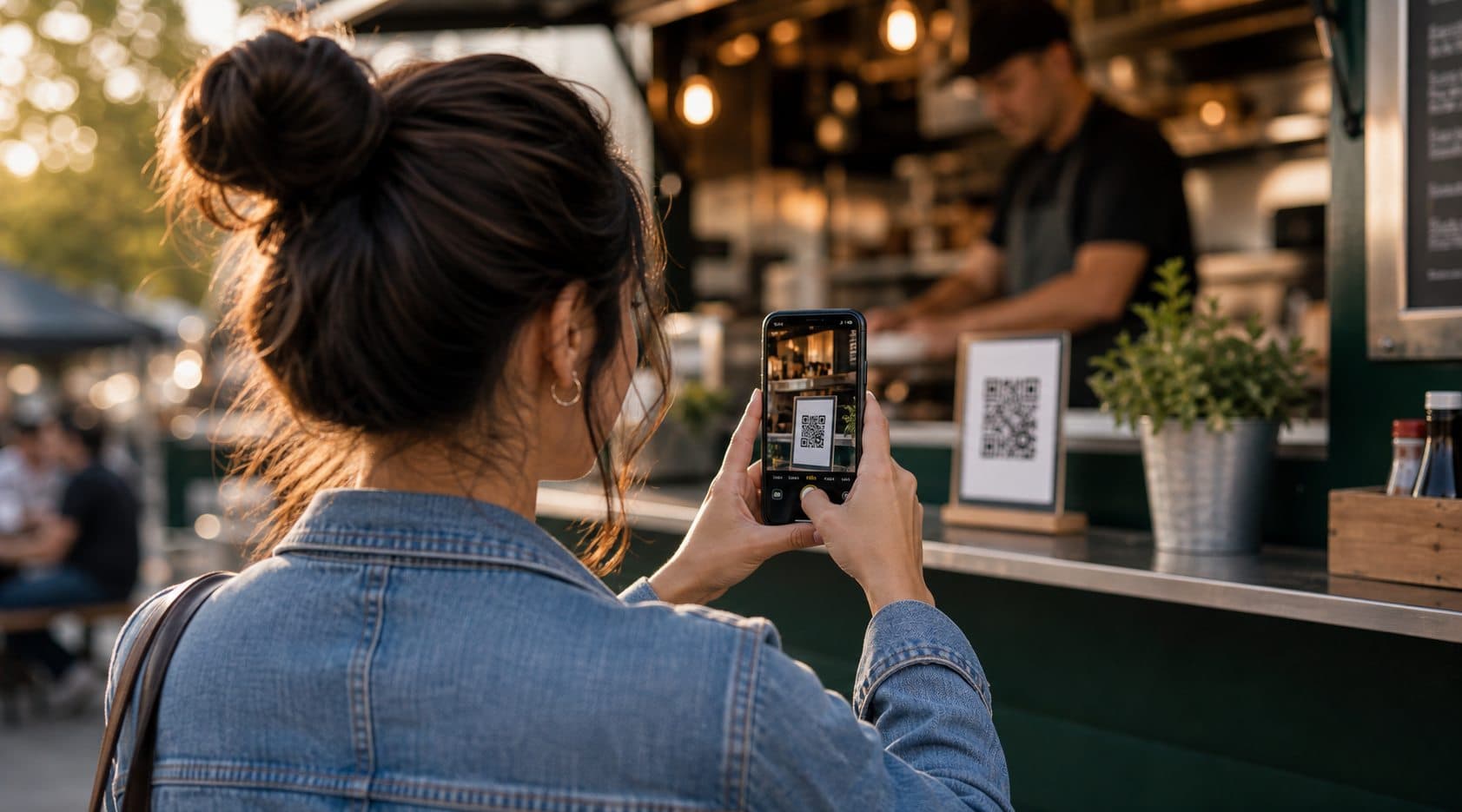
Guests can scan, order, and pay from their phone instead of standing in one long order line during busy moments.

#1 ordering for independent food vendors
Servavo helps food trucks, pop-up vendors, farmers market booths, concession stands, and small restaurants accept online food orders from a QR code, collect payments, and manage pickup orders from one simple screen.
Every order is paid online before it reaches your order screen, helping reduce unpaid orders, confusion, and wasted time.
Connect your payment account so customer payments go directly to your business. Payments are securely processed through Stripe.
Control when your store is open, mark items as sold out, and help prevent customers from placing orders when you are not accepting them.
Servavo is a simple QR code ordering system for food vendors. Customers scan your QR code, order from their phone, pay online, and pick up their food when it is ready. They spend less time standing in long lines, hot weather, or rain, and more time enjoying the event.
Why it helps
Food vendors do their best work when customers can order quickly, pay easily, and know when to pick up. Servavo helps keep that process moving without forcing you into a full POS system.
See the data behind easier ordering, faster payment, and clearer pickup timing.
Guests can scan, order, and pay from their phone instead of standing in one long order line during busy moments.
Orders reach your screen after online payment, with customer names, pickup numbers, items, notes, and totals in one place.
Customers can keep enjoying the market, festival, game, or event while they wait for their pickup number.
A live pickup screen helps you move orders from pending to preparing to complete without juggling paper tickets.
How Servavo works
Servavo guides you from choosing access to building your menu, taking paid QR orders, and managing the pickup queue during service.
Start with the right plan
A clear plan picker helps owners start with the right access.
Single event
One-Day Pass
$9
Friday-Sunday
Weekend Pass
$19
Regular selling
Monthly
$29
Best value
Annual
$299
You can start small and move to a recurring plan when Servavo becomes part of your normal service.
Start with the right plan
Use a one-day pass for a single event, a weekend pass for a market or festival, or a monthly or annual plan if you sell regularly.
Create your vendor profile
Add your business name, logo, pickup details, tax settings, social links, and estimated wait time so customers know exactly who they are ordering from.
Add food, photos, and options
Create categories, add menu items, upload photos, write descriptions, set prices, and include toppings or customer notes for custom orders.
Secure online payments
Connect your Stripe account so customers can pay with credit cards, debit cards, and Apple Pay before the order reaches your screen.
Turn signs into ordering points
Print your QR code and place it on your truck, booth, table, menu, window, or event sign so customers can order from their phones.
Open and close ordering
Turn ordering on when you are ready to sell, pause it when service ends, and keep sold-out items visible so customers know what is unavailable.
A better customer wait
Customers scan, choose items, add notes, pay online, and receive an order status page with their pickup number.
Prepare, complete, and call orders
Paid orders appear live with names, pickup numbers, items, notes, totals, and status buttons for pending, preparing, and complete.
Simple pricing
Best for one-time events
$9
paid once
QR menu + checkout
Live order queue
Basic sales report
Best for Friday-Sunday selling
$19
paid once
QR menu + checkout
Live order queue
Basic sales report
For regular sellers
$29
per month
QR menu + checkout
Live order queue
Detailed sales reports
Best long-term value
$299
per year
QR menu + checkout
Live order queue
Detailed sales reports
Servavo plans are separate from standard Stripe card processing fees. Cancel anytime. No long-term contracts.
Made for busy owners
Servavo gives small food vendors a simple way to accept mobile food orders, collect payments, and manage pickups without extra staff or complicated POS software. Customers can keep enjoying the event while you keep paid pickup orders organized and moving.
See how it worksGuest Checkout
Mark Items Sold Out Anytime
Pickup Order Numbers
Customer Order Status Page
Sales Reports and Order History
Online Payments to Your Business
Set up your menu, connect Stripe payments, create your QR code, and start taking paid pickup orders when you are ready to open.
Start Setup Schedule a Demo